
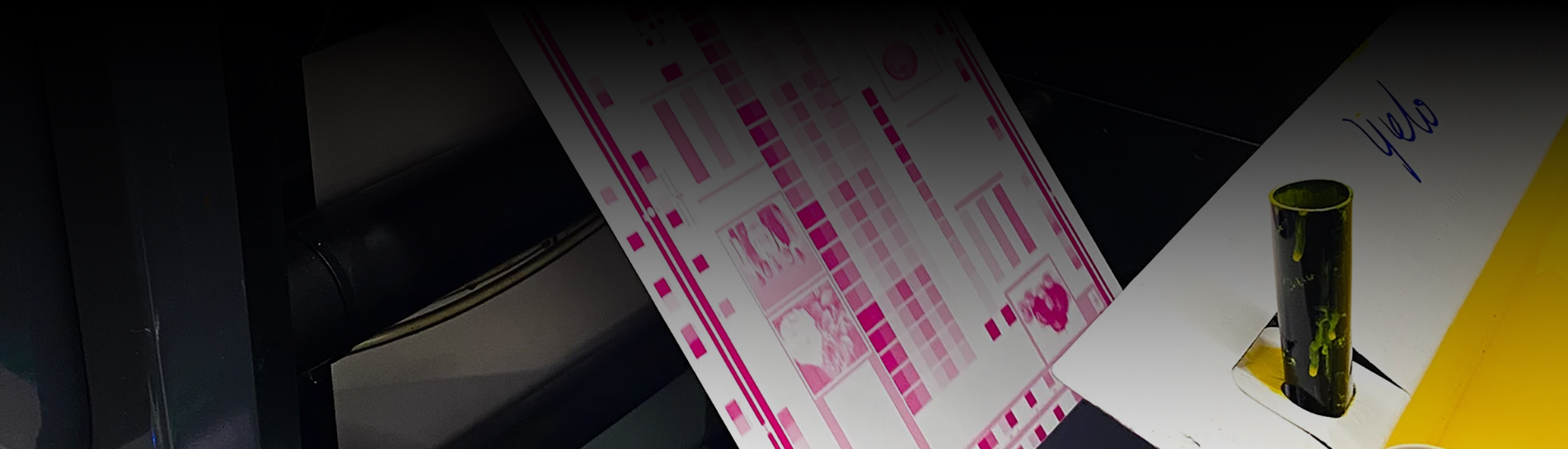
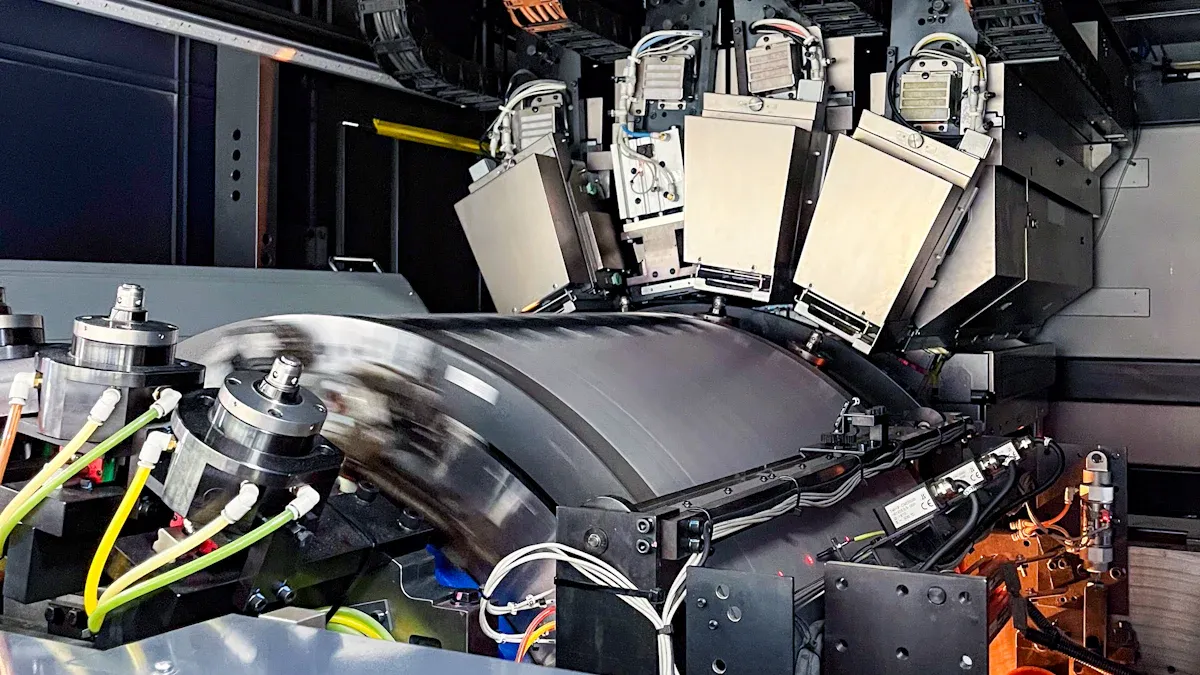
You can prevent downtime in your industrial UV printing machine by following a structured maintenance plan, controlling the environment, and using real-time monitoring tools. Neglecting these steps can lead to issues such as print head blockages, cleaning unit failures, and dried ink systems. Most downtime in an industrial printer happens when machines sit idle for long periods. Consistent care keeps your machine running and your business productive.
Implement a structured maintenance plan to reduce unplanned downtime by up to 70%. Regular checks and cleaning keep your printer running smoothly.
Control the environment by maintaining optimal temperature and humidity levels. This prevents issues like ink clogs and ensures consistent print quality.
Utilize real-time monitoring tools to anticipate problems before they disrupt production. Instant alerts help you schedule maintenance effectively.
Follow proper startup and shutdown procedures to protect sensitive components. Consistency in these practices prevents unnecessary wear and downtime.
Train your team regularly on best practices for handling inks and substrates. Proper handling reduces errors and supports efficient workflows.
You rely on your industrial UV printing machine to keep production lines moving. When you focus on reducing downtime, you unlock higher efficiency and smoother workflows. Automatic media thickness detection in your printer removes the need for manual setup. This feature saves time and reduces operator mistakes. Intelligent job scheduling lets you queue multiple print jobs, so your machine stays active and does not sit idle between tasks. These improvements help you finish jobs faster and keep your team productive.
Faster job completion means you can take on more orders.
Fewer interruptions lead to consistent quality.
Streamlined workflows reduce stress for operators.
Tip: Use production management software to monitor your 7 Color Industrial Digital Printing Machine in real time. This approach helps you spot issues before they cause delays.
Unplanned downtime can quickly become costly downtime for any industrial operation. You may face lost revenue, missed deadlines, and wasted materials. Every minute your Industrial Digital Foil Label Printer sits idle, you risk falling behind schedule. You also increase the chance of rush orders, which can strain your resources and raise expenses.
Consider these hidden costs:
Emergency repairs often cost more than scheduled maintenance.
Idle machines still consume energy and resources.
Delays can damage your reputation with clients.
You can avoid these problems by following a structured maintenance plan and using real-time alerts. This strategy keeps your industrial printer running and protects your bottom line.
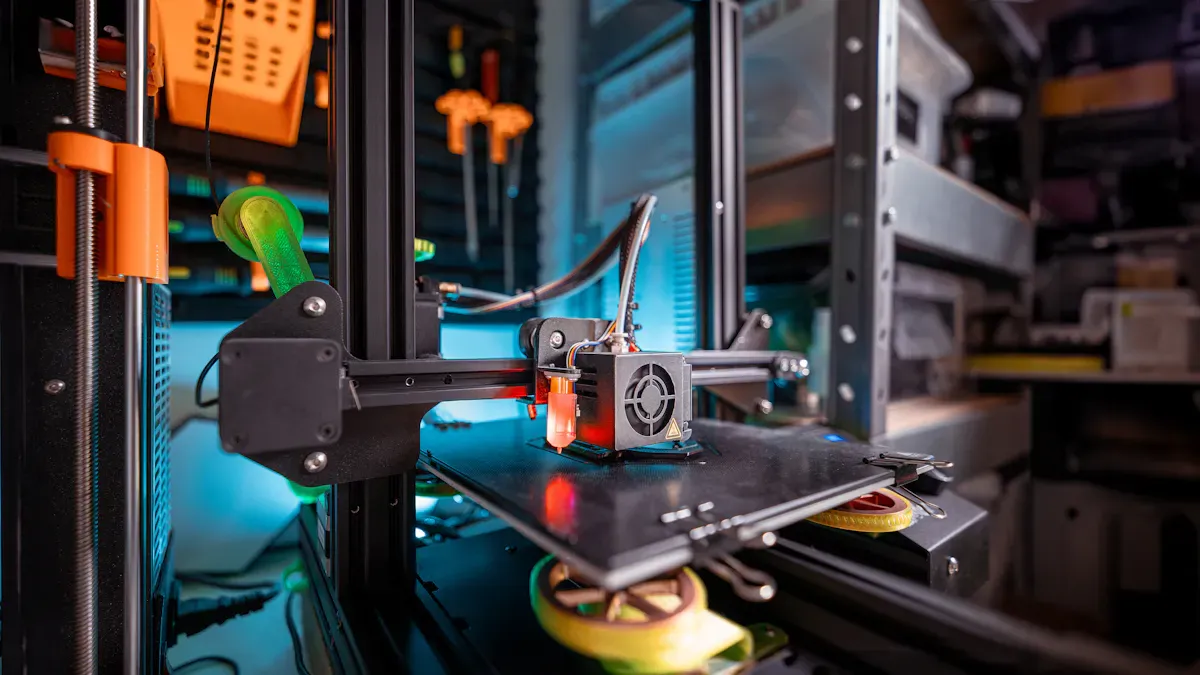
A structured maintenance plan is your best defense against unexpected downtime. When you follow a clear schedule, you can reduce unplanned downtime by up to 70%. Regular maintenance helps you avoid costly repairs and keeps your industrial UV printing machine running at peak performance. You protect your investment and ensure your production lines stay active.
You need to perform daily quick checks to keep your industrial UV printing machine in top condition. These routine maintenance steps prevent clogged printheads and other common issues. Use the following table as a reference for your daily tasks:
|
Daily Maintenance Tasks |
|---|
|
Flush nozzles 1–2 times before startup. |
|
Run automatic moisturizing post-printing. |
|
Monitor ink levels to avoid air bubbles. |
In addition to these tasks, make sure you:
Maintain a dust-free environment.
Wipe capping stations and wipers regularly.
Keep lamps clean.
For flatbed UV printer upkeep, daily cleaning and maintenance are crucial. You should always check the printhead, inspect the rotary fixture, and monitor the UV lamps. These preventive measures help you avoid clogged printheads and extend the life of your 7 Color Industrial Digital Printing Machine.
Tip: Set a reminder for daily maintenance. Consistency is key to preventing buildup and ensuring smooth operation.
Weekly and monthly maintenance tasks go beyond daily quick checks. These steps form the backbone of your preventive measures and help you catch problems before they become serious. Here is what you should focus on:
Conduct deep maintenance weekly. Clean and lubricate key components to keep your machine running smoothly and reduce wear.
Perform systematic inspections every month. Look for ink leaks, check for environmental issues, and address them early.
Clean the UV lamp cover regularly. This ensures optimal light transmittance for effective curing and high print quality.
A strong routine maintenance plan includes:
Deep cleaning the printhead each week to prevent clogged printheads.
Checking for misalignment and calibrating the machine.
Lubricating moving parts to avoid friction and wear.
Inspecting UV lamp power and intensity.
Testing print quality with calibration patterns every month.
Cleaning the ink delivery system thoroughly.
Evaluating software and hardware performance.
Monthly preventative maintenance helps you spot small issues before they lead to major breakdowns. You can keep your Industrial Digital Foil Label Printer in excellent shape and avoid costly downtime.
Note: Use smart maintenance solutions to track your weekly and monthly tasks. Digital logs help you stay organized and ensure nothing gets missed.
Printhead care is one of the most important aspects of printer maintenance. Clogged printheads can stop production and lower print quality. You should clean the printhead regularly and inspect it for signs of wear or damage. Always use the recommended cleaning solutions and follow the manufacturer's guidelines.
Check the rotary fixture and object holders for debris. Monitor the ink delivery system to ensure smooth flow. Clean the UV lamps and check their intensity. These steps help you avoid print defects and keep your industrial UV printing machine operating efficiently.
Smart maintenance solutions can alert you when it is time for printhead cleaning or replacement. This proactive approach prevents unexpected shutdowns and keeps your production schedule on track.
Remember: Preventive measures and routine maintenance are your best tools for avoiding clogged printheads and extending the life of your industrial UV printing machine.
If you follow these maintenance steps, you will protect your investment, reduce downtime, and keep your industrial digital printing machines—like the 7 Color Industrial Digital Printing Machine and Industrial Digital Foil Label Printer—running smoothly. For more information on these products, visit our 7 Color Industrial Digital Printing Machine and Industrial Digital Foil Label Printer pages.
Environmental controls play a critical role in keeping your industrial UV printing machine running smoothly. You can avoid many common issues by managing temperature, humidity, and static electricity in your print room. These controls help you maintain consistent print quality and reduce printer downtime.
You need to keep your print room within the right temperature and humidity range. This step protects your equipment and ensures reliable operation. If the environment is too dry or too humid, you may see ink clogs, condensation, or even premature drying. These problems can lead to costly interruptions.
Here is a quick reference table for optimal conditions:
|
Parameter |
Optimal Range |
|---|---|
|
Relative Humidity |
40% to 60% |
|
Temperature |
68°F to 77°F (20°C to 25°C) |
You should maintain the printing room temperature between 20°C and 28°C. Keep the relative humidity between 40% and 70%. These ranges help balance ink performance and prevent issues like condensation or static buildup. When you control the environment, you reduce the risk of ink viscosity problems and ensure accurate droplet formation. This approach also extends the life of your printhead and lowers the frequency of maintenance.
Tip: Use a digital hygrometer and thermometer to monitor your print room. Set alerts for any changes outside the recommended range.
Static electricity can cause serious problems in industrial printing. You may notice dust attraction, sheet sticking, or misalignment during production. These issues slow down your workflow and can lead to defects in your final product. Static buildup often results in ink feathering, cobwebbing, and dust settling on substrates. This degrades print quality and increases downtime.
Ionization offers a reliable solution. Ionizers release balanced positive and negative ions that neutralize static charges on surfaces. This process restores electrical balance before any discharge occurs. For example, technologies like Ion Current Control (I.C.C.) adjust pulse duration and voltage based on the charge state of the target, which enables rapid and effective static elimination.
You can install ionizers at feeders, print stations, and laminators. This setup stabilizes sheet flow, prevents jams, and supports continuous production. By using ionization, you improve material handling and reduce the risk of misfeeds or defects. This step is essential for high-performance machines like the Industrial Digital Foil Label Printer and 7 Color Industrial Digital Printing Machine.
Static electricity causes dust attraction and misalignment.
Ionization neutralizes static, improving material flow.
Installing ionizers reduces jams and supports continuous operation.
Note: Regularly check and maintain your ionization equipment to ensure consistent performance.
You can further reduce printer downtime by integrating real-time monitoring and alert systems with your production management software. These tools help you anticipate problems before they disrupt your workflow. When you receive instant alerts, you can schedule maintenance at convenient times and avoid unplanned stoppages.
Here is a table showing the benefits of real-time monitoring:
|
Benefit |
Description |
|---|---|
|
Minimizing Downtime |
Anticipate issues before they escalate and schedule maintenance to avoid unplanned stoppages. |
|
Enhancing Throughput |
Reliable equipment leads to smoother operations and helps you meet delivery commitments. |
|
Cost Efficiency |
Lower emergency repairs and fewer unnecessary part replacements reduce operational expenses. |
|
Data-Driven Decision Making |
Continuous data collection provides insights for better inventory and workforce management. |
You can use these systems to track temperature, humidity, and machine status. If any parameter moves outside the optimal range, you receive an alert. This proactive approach helps you keep your Industrial Digital Foil Label Printer and 7 Color Industrial Digital Printing Machine in top condition. You also improve throughput and reduce emergency repair costs.
Callout: Real-time monitoring gives you the data you need to make smart decisions and keep your production line running.
By following these environmental controls, you create a stable environment for your industrial printer. You minimize downtime, improve print quality, and extend the life of your equipment.
You should always follow the recommended startup and shutdown procedures for your industrial UV printing machine. This habit protects sensitive components and prevents unnecessary wear. Start by checking that all safety covers are in place and that the power supply is stable. Allow the machine to complete its self-check before loading any materials. At the end of your shift, use the automated shutdown sequence. This process ensures that the printhead and ink system remain in good condition. Skipping these steps can lead to unexpected downtime and costly repairs.
Tip: Create a simple checklist for your team to follow during each startup and shutdown. Consistency helps prevent mistakes.
Handling ink and substrates with care is essential for smooth operation. You can reduce errors and keep your printer running efficiently by following these best practices:
Prepare substrates properly. Remove dust and oils to prevent ink smearing and reduce downtime.
Maintain stable humidity levels between 40% and 60%. This range prevents ink from drying too quickly and avoids operational delays.
Choose high-quality substrates. Research shows that 40% of printed jobs require reprints due to errors, which wastes resources and increases downtime.
Perform regular maintenance and keep the environment optimal. These actions minimize errors and support efficient workflows.
Monitoring your machine environment helps you maintain consistent performance. You should use the right tools to track temperature and liquid conditions. The table below shows common monitoring techniques for industrial printing facilities:
|
Monitoring Technique |
Description |
|---|---|
|
Temperature Controllers |
Devices that monitor and regulate the temperature of liquids in printing equipment. |
|
Cooling Systems |
Systems like chillers that maintain consistent temperatures in varying ambient conditions. |
|
Thermal Sensors |
Sensors that measure liquid temperatures at various points, helping to adjust settings and detect anomalies. |
By using these tools, you can quickly spot changes and take action before problems develop. This approach keeps your industrial UV printing machine in top condition and reduces the risk of unplanned downtime.
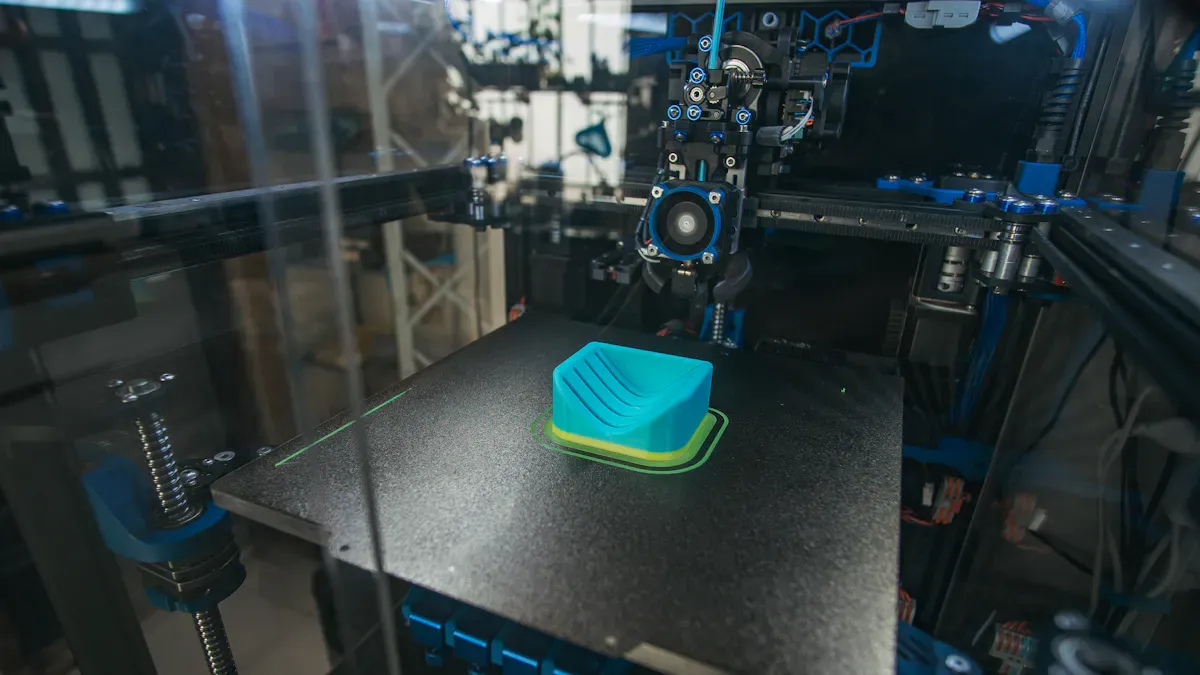
You can prevent ink waste buildup and extend the life of your industrial UV printing machine by following a structured cleaning routine. Regular cleaning keeps your printhead clear and ensures consistent print quality. Here are the most effective cleaning habits:
Use cleaning solutions that match your ink chemistry and printhead structure.
Stick to a regular cleaning schedule to avoid clogs and downtime.
Control temperature and humidity in your print room for best results.
A good maintenance plan includes daily, weekly, and monthly cleaning tasks. For example:
Check nozzles and clean the printhead lightly every day.
Run a deep cleaning cycle and inspect ink lines each week.
Flush the system and check sensors every month.
You should always use high-quality, compatible ink and avoid mixing brands. Print regularly to keep ink flowing and prevent stagnation. These steps help you avoid costly repairs and keep your Industrial Digital Foil Label Printer running smoothly.
Tip: Enable continuous white ink circulation to prevent pigment settling and reduce downtime.
Proper storage of inks and materials protects your investment and supports waste management innovations. You should store supplies in a cool, dry place with temperatures between 68°F and 76°F and humidity from 35% to 55%. Always keep supplies in their original packaging to shield them from dust and moisture. Use a First-In, First-Out (FIFO) system so you use older stock before it expires.
Before printing, let paper and substrates adjust to the print room’s environment for at least 24 hours. Handle all materials with care to avoid damage or contamination. Storage cabinets help keep everything organized and extend the life of your supplies. Training your staff on these best practices ensures everyone follows the same standards.
|
Storage Tip |
Why It Matters |
|---|---|
|
Use original packaging |
Prevents contamination |
|
Control temperature/humidity |
Maintains ink quality |
|
FIFO inventory system |
Reduces waste and saves money |
You can reduce unexpected downtime by managing spare parts proactively. Unplanned equipment downtime can cost up to $260,000 per hour, so keeping essential parts in stock is critical. A computerized maintenance management system (CMMS) helps you track inventory and schedule replacements before parts fail.
Monitor your spare parts inventory for your 7 Color Industrial Digital Printing Machine and Industrial Digital Foil Label Printer. This approach ensures you have what you need when you need it. You avoid delays and keep your printer running at peak performance.
Note: Good spare parts management supports continuous production and lowers emergency repair costs.
You need the right tools to keep your industrial UV printing machine running smoothly. Using proper maintenance equipment helps you prevent downtime and maintain print quality. Here are the essential tools you should have on hand:
Nozzle cleaning kits with cleaning solutions, swabs, and syringes for flushing dried ink from nozzles
Lint-free wipes for cleaning around print heads without leaving fibers
Cleaning swabs for tight areas under the print head carriage
UV-safe cleaning fluids that dissolve UV ink without harming components
Air blower or dust cleaner to remove dust from boards and sensors
Diagnostic software tools for running nozzle checks and printer health diagnostics
pH test strips for ink waste to ensure safe disposal
Anti-static brushes to prevent static buildup that can interfere with UV curing
Gloves and protective gear for safe handling of cleaning agents
Having these tools ready allows you to respond quickly to maintenance needs and avoid unnecessary interruptions. You can find more details about maintenance kits on our 7 Color Industrial Digital Printing Machine and Industrial Digital Foil Label Printer pages.
You protect your equipment and yourself by following strict safety protocols during maintenance. Always use personal protective equipment (PPE) such as gloves and safety glasses when handling inks and cleaning agents. Proper training for all operators is essential. Make sure everyone understands how to handle UV radiation and hazardous materials safely. Regular inspections help you spot potential hazards before they cause problems. Emergency response plans should be in place and reviewed often. These steps create a secure environment and keep your printer operating efficiently.
Tip: Schedule routine safety training sessions to reinforce best practices and reduce the risk of accidental damage.
Using compatible replacement parts and consumables is key to avoiding downtime. Choose original components that match your machine’s specifications. Factory-calibrated parts ensure your system runs smoothly and maintains print quality. Regular maintenance with the correct cleaning solutions prevents most clogging issues and can extend your printhead’s life by up to 50%. Proactive service helps you avoid costly breakdowns and lost production time. Expert support is available for technical guidance on part replacement. You can find recommended parts and consumables for your Industrial Digital Foil Label Printer and 7 Color Industrial Digital Printing Machine on our product pages.
Note: A single failed print can waste materials and lead to expensive repairs. Always verify compatibility before installing new parts.
When you face common printer problems in your industrial environment, quick troubleshooting can help you avoid extended downtime and costly printer breakdowns. Understanding the root causes of print quality issues, error codes, and unexpected shutdowns will keep your production line moving.
You may notice banding, missing colors, or ink peeling during operation. These symptoms often point to problems with printheads or substrate preparation. The table below outlines the most frequent print quality issues and how you can resolve them:
|
Issue Type |
Symptoms |
Causes |
Resolutions |
|---|---|---|---|
|
Printhead Clogging |
Banding, Missing Colors |
Clogged nozzles, dried ink, air bubbles |
Run a nozzle check, perform auto-cleaning cycles, manually clean printheads, schedule deep cleaning. |
|
UV Ink Adhesion Issues |
Ink Peeling, Poor Adhesion |
Poor surface preparation, incorrect curing |
Clean the substrate, apply appropriate pretreatment. |
You should run regular nozzle checks and cleaning cycles on your Industrial Digital Foil Label Printer or 7 Color Industrial Digital Printing Machine. If you see inconsistent print quality, inspect the printheads for clogs or air bubbles. Always clean substrates before printing to prevent adhesion problems.
Tip: Schedule deep cleaning for your printheads each week to prevent recurring issues.
Error codes help you identify the source of printer breakdowns quickly. Here are some typical alerts and troubleshooting steps:
UV Lamp Issues: Check lamp life and electrical connections to ensure proper curing.
Software Compatibility Issues: Update your software and confirm that design files use compatible formats.
Printhead Cleaning: Use device driver software for light cleaning to avoid wasting ink.
Check Ink Circuit: Inspect for air bubbles or leaks in ink tubes and verify ink levels.
Negative Pressure Value: Keep this within the normal range to prevent broken lines.
Calibration: Adjust printhead height and perform grating calibration if you notice blurred patterns.
Material Treatment: Clean surfaces and use the right treatment fluids for better adhesion.
If you experience inconsistent print quality, focus on calibration and printhead maintenance. Regularly updating your software and checking all connections will reduce error-related downtime.
Unexpected shutdowns can halt production and damage printheads. The table below shows the main causes and how you can prevent them:
|
Primary Causes of Printhead Clogs |
Preventive Measures |
|---|---|
|
Ink Formulation |
Implement moisture management systems to keep printheads primed. |
|
Idle Time |
Use the printer regularly or maintain it properly during idle periods. |
|
Environmental Conditions |
Control the environment to maintain optimal humidity levels. |
|
White Ink Sedimentation |
Agitate white inks often to prevent settling. |
|
Lack of Maintenance |
Follow a strict maintenance schedule for proper functioning. |
You can avoid inconsistent print quality and shutdowns by keeping your printheads moist, running your printer often, and maintaining the right environment. Always agitate white ink in your 7 Color Industrial Digital Printing Machine to prevent sedimentation. Following a strict maintenance plan will keep your Industrial Digital Foil Label Printer running smoothly.
Callout: Consistent troubleshooting and preventive actions will help you minimize downtime and extend the life of your industrial printer.
You can reduce downtime in your industrial printer by following these proven steps:
Control temperature and humidity in your print room.
Power off and moisturize the machine during long idle periods.
Print test strips after startup to check for nozzle issues.
Clean the printer weekly and check positions daily.
Train your team regularly and use maintenance checklists.
Ongoing training and operational discipline help you maintain continuous production and extend the life of your Industrial Digital Foil Label Printer or 7 Color Industrial Digital Printing Machine.
You should clean the printhead daily. This habit prevents clogs and keeps your Industrial Digital Foil Label Printer running smoothly. Regular cleaning extends the life of your equipment and ensures consistent print quality.
You should keep the print room temperature between 20°C and 28°C. Maintain humidity from 40% to 70%. These conditions help your 7 Color Industrial Digital Printing Machine deliver reliable results and reduce downtime.
Frequent error codes often signal maintenance issues. Check for ink clogs, software updates, or calibration needs. Following a strict maintenance schedule helps you avoid these interruptions and keeps your industrial printer productive.
You should run regular test prints and enable automatic moisturizing features. These steps keep ink flowing in your Industrial Digital Foil Label Printer and prevent costly repairs.
You can visit the 7 Color Industrial Digital Printing Machine and Industrial Digital Foil Label Printer pages for detailed guides, checklists, and troubleshooting resources.
 Tel : +8613826466670
 E-mail : haotianservice@hotmail.com
 Address : No. 19, Guangchen Road, Zhongluotan, Baiyun District, Guangzhou


Copyright @ 2026 GUANGZHOU YUTIAN MACHINERY MANUFACTURING LTD. All Rights Reserved. Network Supported
leave a message
Scan to Wechat :

Scan to WhatsApp :

 en
en