
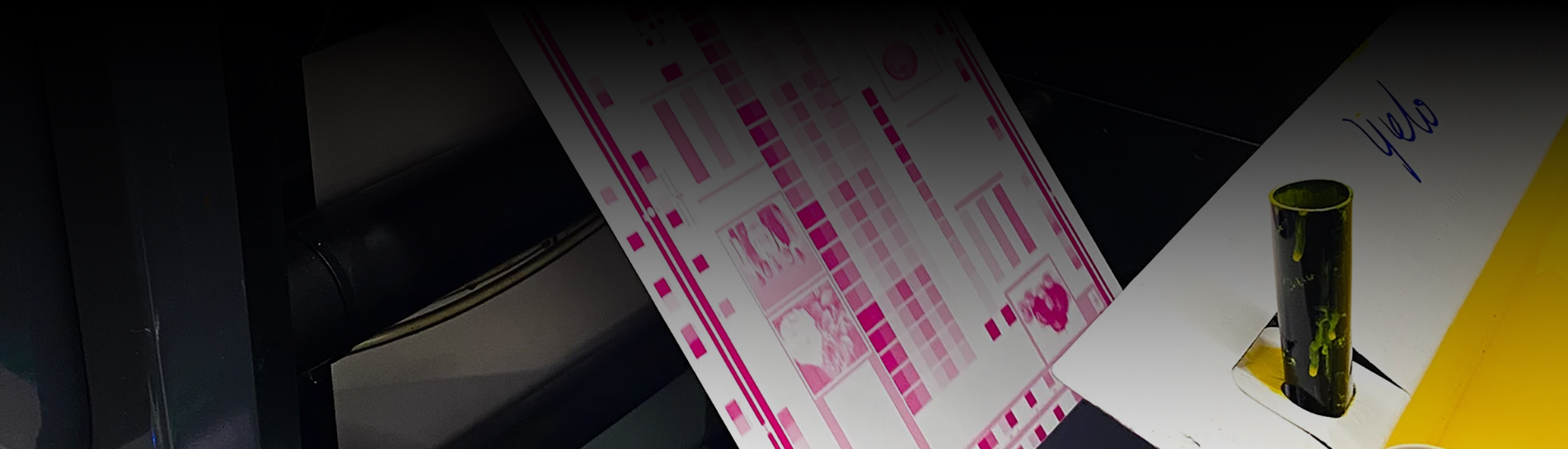
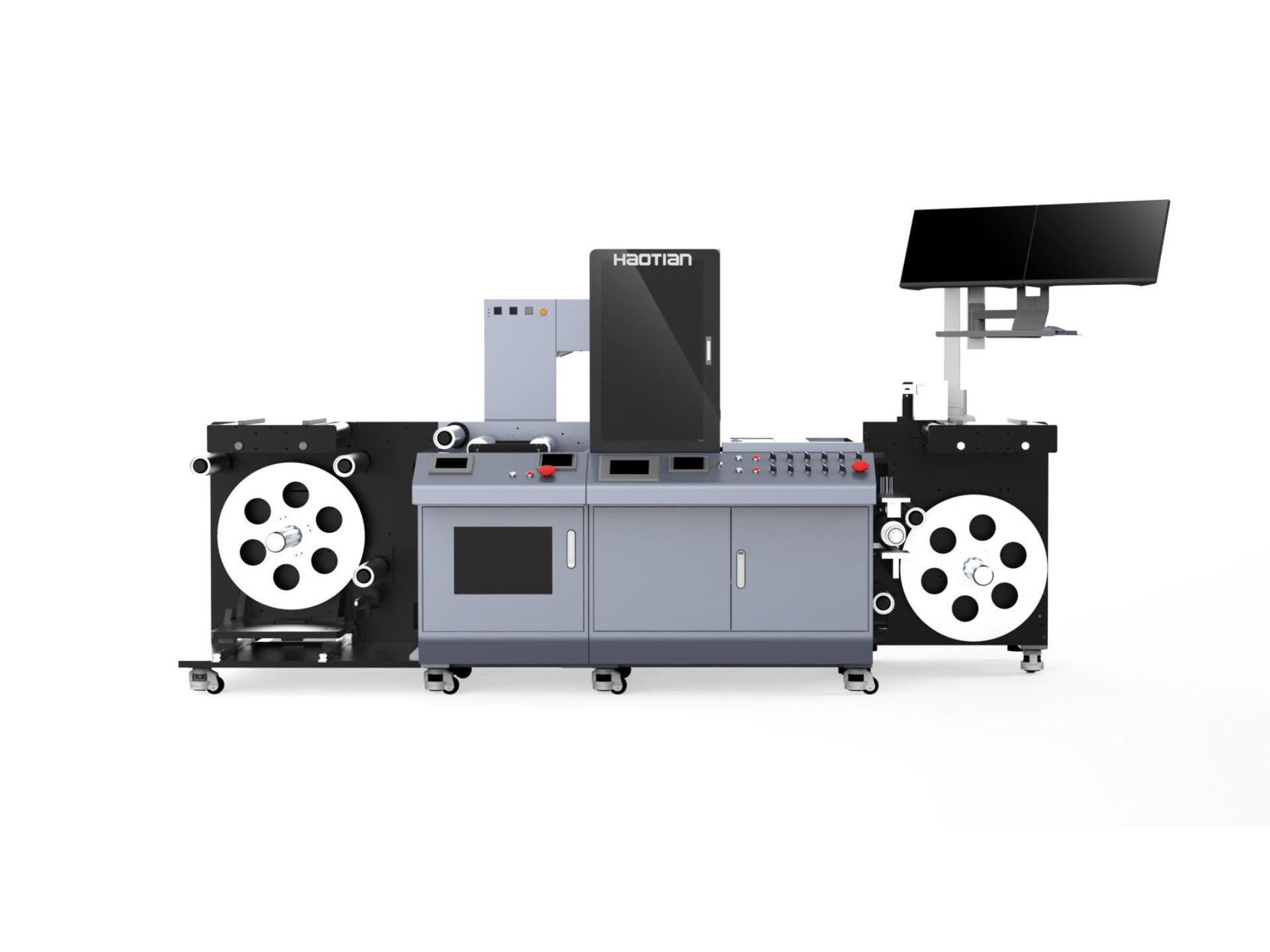
You take care of your digital varnish machine by cleaning it every day. You also check the temperature and humidity. You should follow the schedule from the manufacturer. Cleaning often stops varnish from building up. It helps the machine last longer. It keeps your equipment working well.
Varnish buildup makes the machine work less well and wears it out faster.
Taking care of the machine early stops it from breaking and helps it last longer.
|
Misconception |
Explanation |
|---|---|
|
Higher power is always better |
Too much power can hurt surfaces and does not clean better. |
|
Laser cleaning works on all materials |
Each material needs its own settings for good results. |
|
Minimal training is sufficient |
You need good training to stop uneven cleaning and burns. |
Digital Varnish Machine Maintenance
Daily Cleaning Tasks
You should clean your uv printer every day. This keeps your digital varnish machine running well. Cleaning stops varnish and ink from building up. You need to wipe the printhead, capping station, and wiper. This helps prevent nozzle clogging and keeps print quality high. Use a lint-free cloth and the right cleaning solution for your printer. Always turn off the printer before you start cleaning.
Wipe the printhead gently to remove dried coating.
Clean the capping station to stop ink from drying out.
Wipe the wiper blade to keep it free from sticky coating.
Check for any ink or varnish spills around the printer.
You should also check the nozzles for blockages. If you see streaks or missing lines, clean the nozzles again. Daily cleaning helps you avoid bigger problems later.
Weekly and Monthly Checks
You need to do more than daily cleaning to keep your uv printer in top shape. Each week and month, check the parts that work hard every day. Use this table to guide your routine:
|
Frequency |
Maintenance Task |
Description |
|---|---|---|
|
Weekly |
Clean or replace filters in the control cabinet |
Keeps the printer cool and working well. |
|
Weekly |
Inspect belts for tension and wear |
Adjust or replace to avoid breakdowns. |
|
Weekly |
Examine cables and wiring |
Look for damage and make sure connections are tight. |
|
Weekly |
Check for minor leaks |
Look at coolant and hydraulic lines for leaks. |
|
Weekly |
Listen for unusual noises |
Strange sounds can mean something is wrong. |
|
Monthly |
Inspect and replace gearbox and hydraulic filters |
Stops dirt from hurting the printer. |
|
Monthly |
Check coolant quality |
Change coolant if it looks dirty. |
|
Monthly |
Check motor performance and bolts |
Make sure motors run well and bolts are tight. |
|
Monthly |
Watch fluid levels |
Big changes can mean leaks inside the printer. |
|
Monthly |
Clean the chuck and jaws |
Remove chips and dust to keep coating even. |
You should follow the manufacturer's schedule for your uv printer. This keeps your Industrial Digital Varnish Printing Equipment safe and reliable.
Environment and Workspace Control
You must control the environment around your uv printer. The right temperature and humidity help the coating cure well. Too much heat or moisture can cause curing issues or poor ink adhesion. You should follow these rules:
Keep the workspace clean and dry.
Follow ISO 14001 for environmental management.
Use low-VOC coating to reduce fumes.
Make sure your printer meets REACH and ROHS safety rules.
A clean workspace stops dust, dirt, and moisture from getting into your printer. These things can cause jams and damage parts. When you keep your area clean, your digital varnish machine works better and lasts longer. You also avoid problems with your Varnish Machine for Label Printing.
Maintenance Documentation
You need to write down every cleaning and check you do. Good records help you spot patterns and fix problems faster. If you see the same issue often, you can look back and find out why. Use a logbook or a digital app to track your work.
Write the date and time of each cleaning.
List the parts you checked or replaced.
Note any problems you found.
Record the steps you took to fix them.
You should also get training to improve your skills. Many companies offer Autonomous Maintenance Training. You can use visual guides and hands-on practice to learn more about your uv printer. Safety education is important too. Always follow lockout/tagout steps before you start maintenance.
Tip: Good documentation and training help you solve problems quickly and keep your digital varnish machine running smoothly.
Troubleshooting Common Issues
Nozzle and Ink Flow Problems
Sometimes your uv printer does not print well. This can happen if the nozzles get blocked or ink does not move right. You might see streaks, missing lines, or faded colors. Check for nozzle clogging often. The table below shows problems, what you see, and why they happen:
|
Problem Type |
Symptoms/Effects |
Causes/Conditions |
|---|---|---|
|
Nozzle Clogging |
- Ink not coming out |
- Ink too thick or thin |
|
Inconsistent Ink Flow |
- Missing spots or lines in prints |
- Air bubbles in ink line |
To fix these problems, do these steps:
Flush the nozzles once or twice before printing.
Use automatic moisturizing after printing to keep nozzles wet.
Watch ink levels so air does not get in.
Clean the capping station, wiper blade, and waste pad every week.
Change clogged filters often. Use 10μm or 5μm filters for best results.
If the problem stays, ask a technician for help. Cleaning and checking often keeps your digital varnish machine working well.
Curing and Adhesion Issues
Curing problems and weak ink adhesion make prints easy to scratch. You need to control the room and prepare surfaces well. Here are the main causes:
Crystals on the printed surface.
Wrong materials in the ink or coating.
Weak adhesion in the UV varnish.
Not enough light or wrong curing time.
Temperature and humidity are important. Keep the room between 60°F and 80°F (15°C to 27°C). High humidity slows curing. Low humidity causes static and weak adhesion. Clean all surfaces before printing. Oils and fingerprints stop coating from sticking. For metal, clean extra well.
To help adhesion:
Make the surface a little rough. This helps coating stick.
Check that coating spreads out on the surface.
Use coatings that bond well with your material. Good bonds make prints last longer.
If curing problems stay, check your UV lamps and use the right settings for your Varnish Machine for Label Printing.
Print Quality and Jams
You want sharp, clean prints from your uv printer. Print problems and jams can come from static, dirty rollers, or bad material handling.
Static makes sheets stick together or jam.
Dirty or worn rollers cause jams and streaks.
Dust, dirt, and ink build up over time.
To fix these problems:
Wipe rollers and feed paths often.
Use anti-static tools if sheets stick.
Always check your material before printing. Make sure it is flat and clean.
Clean the surface to remove oils and dust.
Use surface treatments like corona or plasma for hard-to-print materials.
For color problems, try these steps:
|
Calibration Technique |
Description |
|---|---|
|
Color Calibration Tool |
Measure print colors with standard samples. |
|
ICC Color Profile |
Use the right profile for true colors. |
|
Print Sample Comparison |
Match colors by comparing samples. |
|
Observation Under Different Lights |
Look at prints in different lights. |
|
Professional Evaluation |
Ask a designer to check color accuracy. |
|
Multiple Angle Observation |
Look at prints from different angles. |
|
Inks and Materials |
Match ink and materials to printer settings. |
|
Print Mode |
Pick high-quality mode for better colors. |
|
Color Management Software |
Use software to adjust printer colors. |
|
Printhead Cleaning |
Clean the printhead often to stop color problems. |
|
Device Calibration |
Calibrate your printer often for good results. |
If jams or bad prints keep happening, call a service expert. This keeps your uv printer and digital varnish machine safe.
Preventive Tips
You can stop many problems before they start. Good care and smart checks help your uv printer last longer.
Schedule regular work to prevent failures.
Use data and analytics to predict problems early.
Make repairs early to avoid big breakdowns.
Try predictive maintenance. Use digital tools to watch your printer and plan repairs.
Keep a log of all checks and fixes.
Tip: Taking care of your printer saves money and time. You get better results from your digital varnish machine and Varnish Machine for Label Printing.
If you follow these steps, you will have fewer problems with your uv printer, coating, and curing. Your Industrial Digital Varnish Printing Equipment will work better and last longer.
You keep your digital printer working by doing daily maintenance. You clean the printer and check the coating. You watch the digital printer for problems. You use the right coating for each printer job. You record every printer cleaning. You keep the digital printer workspace clean. You fix printer issues early. You choose the best coating. You check the printer often. You use digital tools for printer checks. You keep coating smooth. You use the digital printer for strong coating. You keep the printer safe. You use coating that lasts. You trust your digital printer for every coating job.
FAQ
How often should you clean your printer?
You should do cleaning every day. This keeps your printer working well. Daily cleaning stops coating and ink from building up inside your uv printer.
What causes poor coating adhesion on prints?
Poor coating adhesion happens when you skip cleaning or use the wrong coating. You should check your printer settings and keep the printer area clean for better results.
Why does your uv printer jam during printing?
Jams happen when dust, coating, or dirty rollers block the printer. You should clean the printer often. This helps your uv printer and Varnish Machine for Label Printing run smoothly.
 Tel : +8613826466670
 E-mail : haotianservice@hotmail.com
 Address : No. 19, Guangchen Road, Zhongluotan, Baiyun District, Guangzhou


Copyright @ 2026 GUANGZHOU YUTIAN MACHINERY MANUFACTURING LTD. All Rights Reserved. Network Supported
leave a message
Scan to Wechat :

Scan to WhatsApp :


 en
en